
Table of Contents
Overview #
Archiving removes an item from active content while preserving its history.
Select the row → Content Tools → Archive Selected Item
Enter an archival reason.
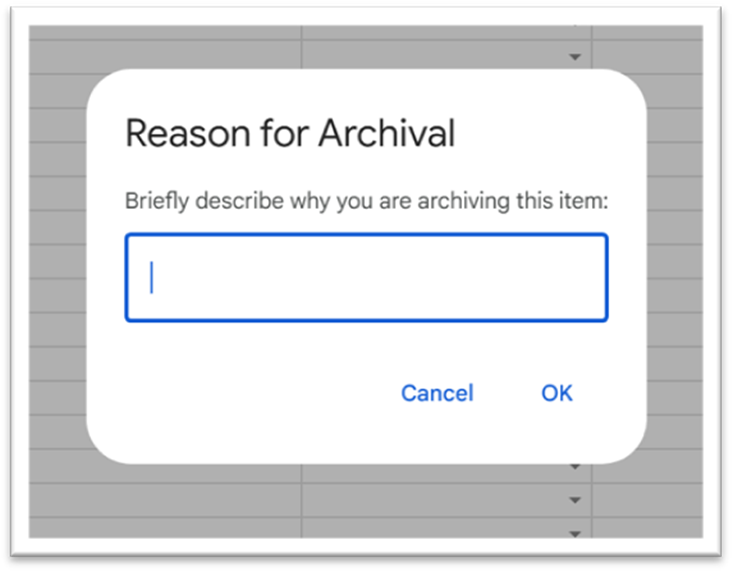
The tool will:
- Uncheck Active
- Set Status = Archived
- Stamp ArchivedOn
- Set ChangeType = 4 – Archived
- Log the event in Revisions

Manual archive attempts #
Selecting “Archived” in the Status dropdown is blocked.
The menu must be used so the system can run the full archival process.


