View Categories

Setting the Snapshot Period

< 1 min read

Table of Contents

Overview #

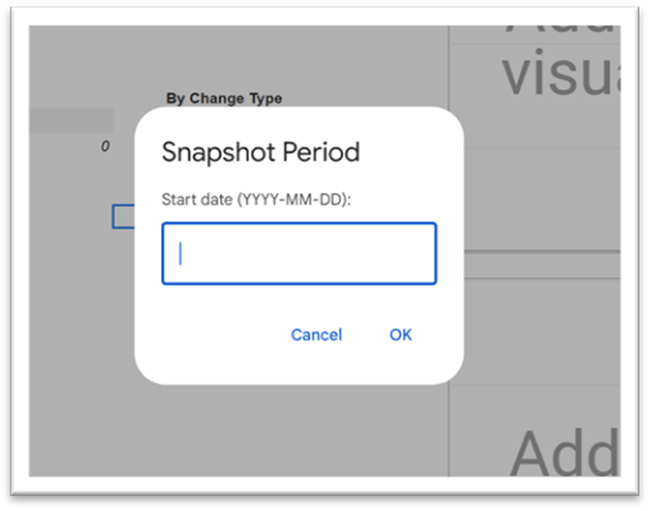
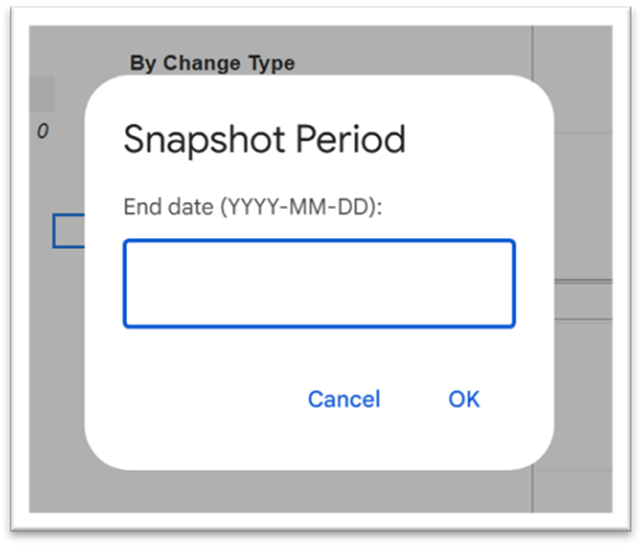
Open the Dashboard section and enter:

  • Start date (YYYY-MM-DD)
  • End date (YYYY-MM-DD)

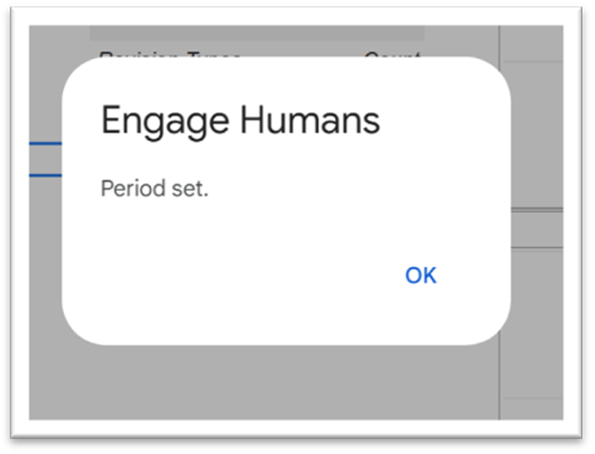
Click OK on each prompt.

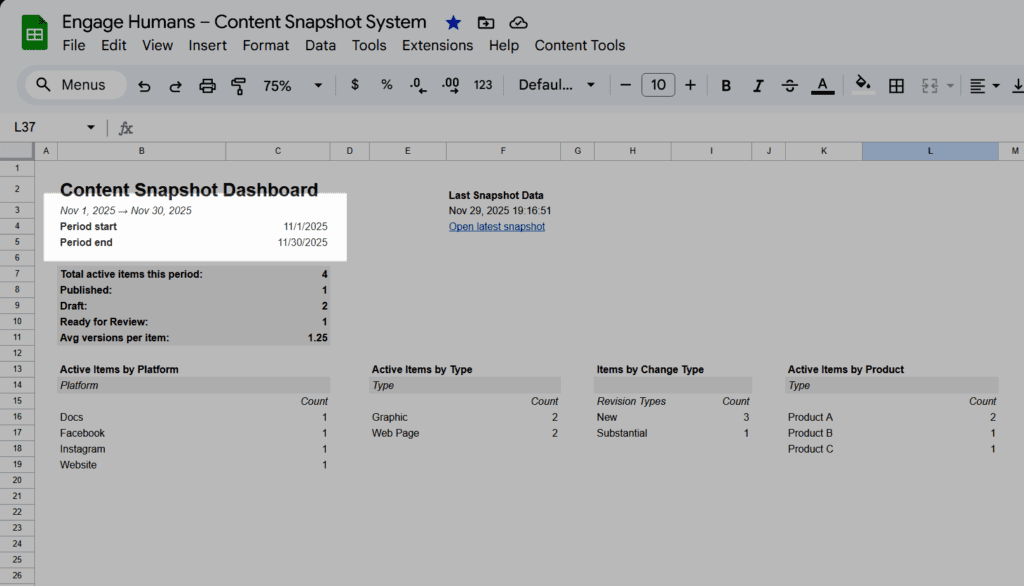
The dashboard updates automatically.

Notes #

The period determines:

  • Which items appear in the item list
  • Which revisions are included
  • What dashboard metrics display
Shopping Cart