
A lightweight versioning and reporting system for content teams.
Keep your content organized, versioned, and snapshot-ready without a CMS.
This system runs entirely inside Google Sheets and handles the admin work for you: automatic ItemIDs, version history, clean archiving, and monthly content snapshots saved to Google Drive.
Perfect for creators, content managers, social media teams, and technical writers working in Google Workspace.
What’s included
You’ll receive two links (copy-only):
1. Content Tracker (Google Sheet)
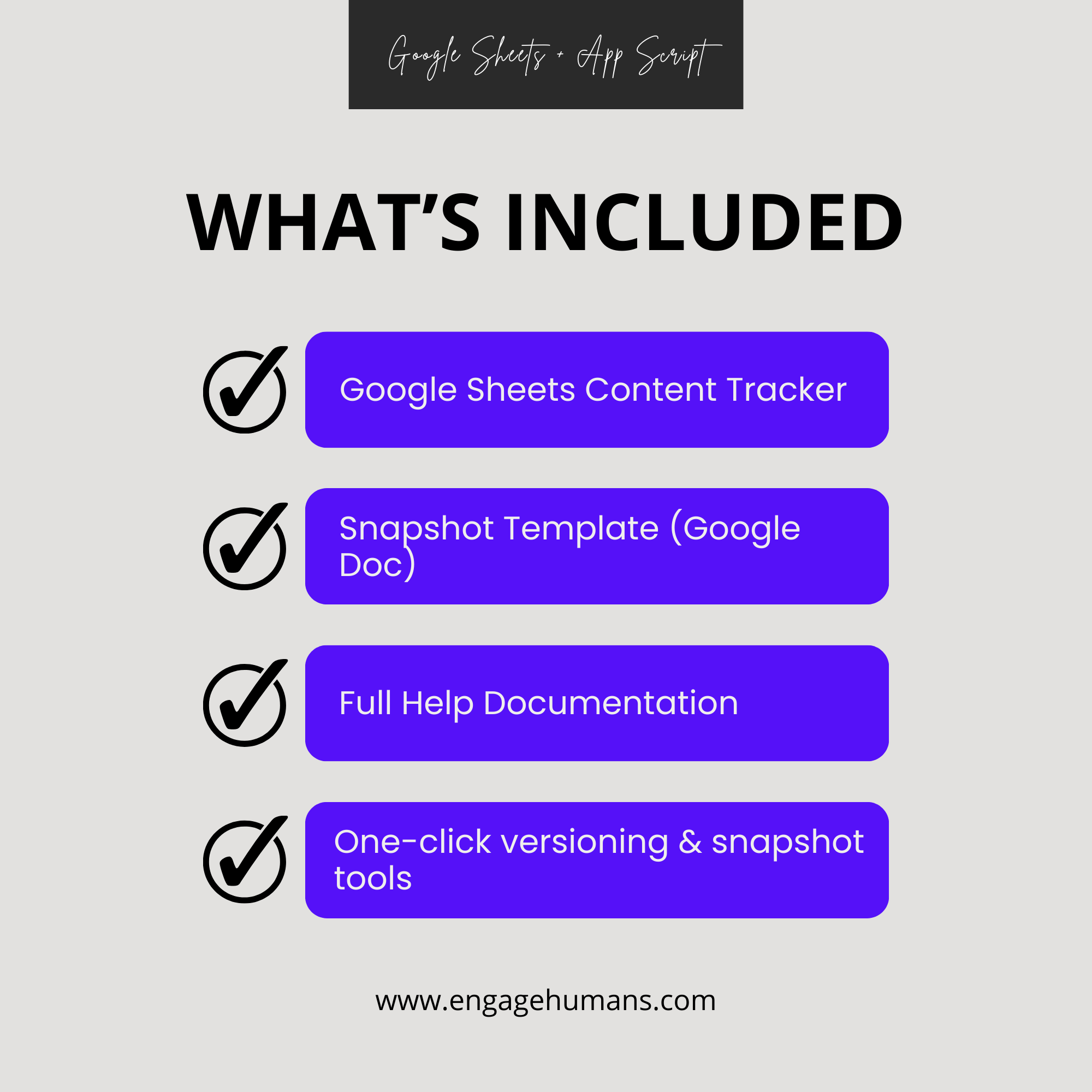
A complete version-control and reporting system with:
• Automatic ItemID + Version assignment
• Menu-driven versioning and archiving
• ChangeType logging
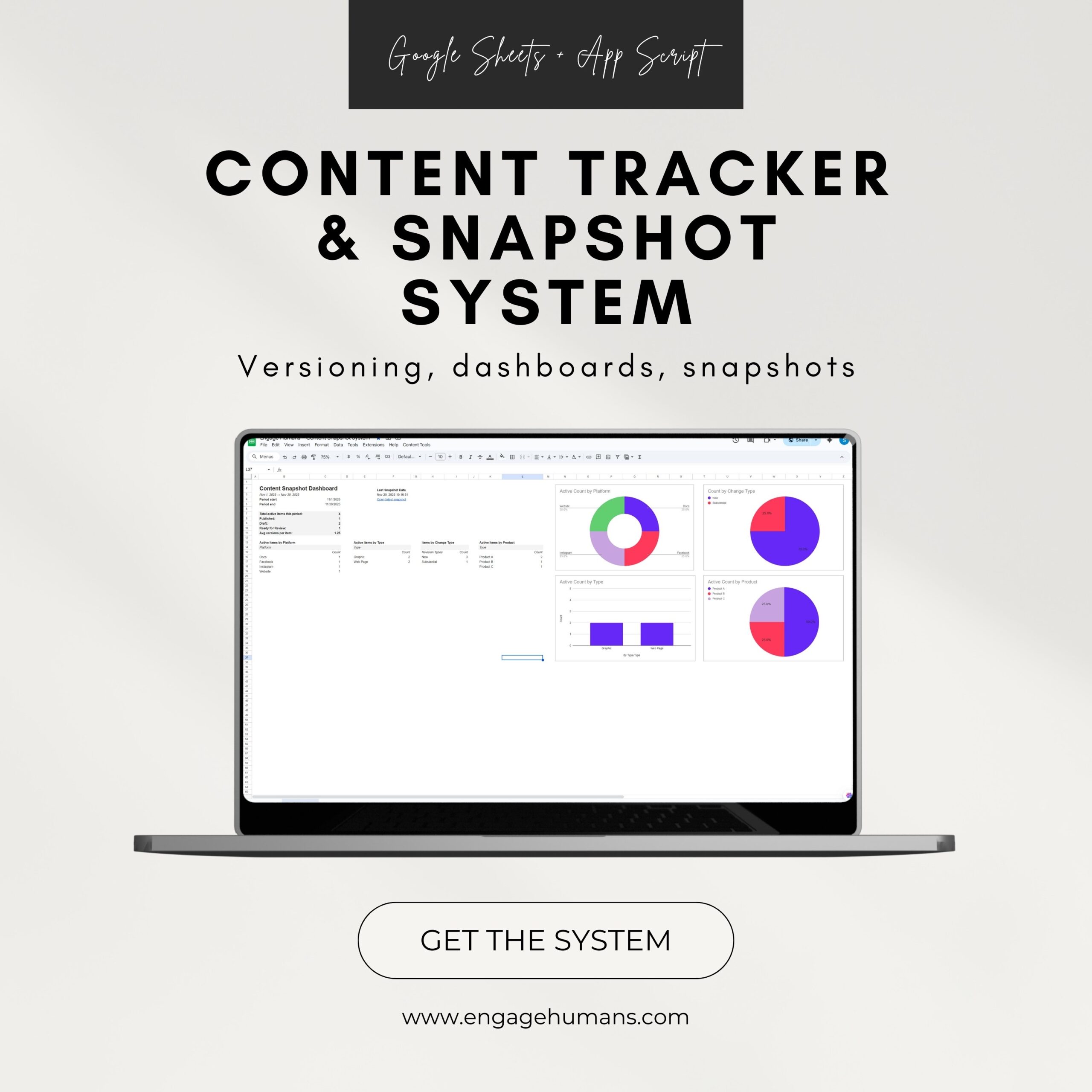
• Dashboard with activity charts
• Customizable dropdown lists
• Built-in help sidebar and full documentation
2. Snapshot Template (Google Doc)
A clean, branded report layout used when generating monthly snapshots.
No setup files to download. Everything copies directly into your Drive, fully functional, with scripts intact.
What it does
• Tracks every content item with clean version history
• Keeps older versions archived automatically
• Generates monthly snapshot reports in Google Docs
• Summarizes platform, type, and product usage
• Shows change activity across your team
• Maintains structure and prevents broken data
• Supports custom fields and dropdown lists
You get version control, reporting, and documentation hygiene without the overhead of a CMS.
How it works
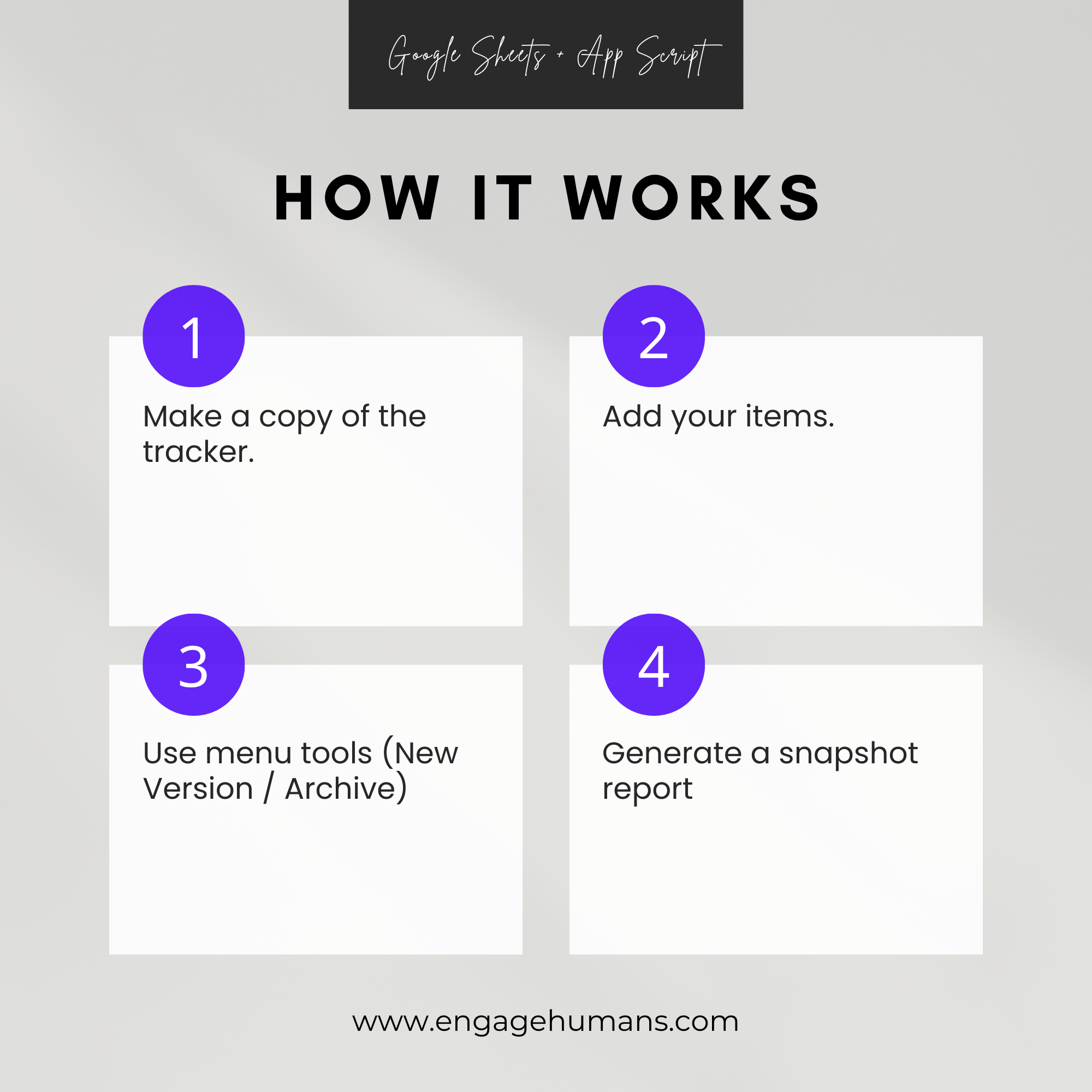
After checkout, open the two provided links.
Click Make a copy to save them to your Google Drive.
Add items to the Content_Log.
Use the Content Tools menu to:
• Create New Version
• Archive Selected Item
• Generate SnapshotSnapshots save automatically to your assigned Drive folder.
No add-ons, subscriptions, or external software required.
Requirements
• A Google account
• Google Sheets + Google Docs access
• Basic familiarity with spreadsheets
(Scripts run automatically; no technical knowledge needed.)
Notes
• This product is delivered as Google Drive copy links, not a ZIP file.
• The scripting must stay inside the Google Sheet to work correctly.
• You may duplicate the system for personal or team use.

Reviews
There are no reviews yet.