
Using SharePoint Newsletters for Internal Product Updates
Many internal product updates disappear almost immediately.
Someone sends a release email. People skim it between meetings. A few employees bookmark it. Most don’t. Six weeks later, nobody remembers where the information lives, whether the screenshots are current, or whether the update was ever formally announced at all.
At the time, our team maintained two recurring communication streams.
The first was a monthly product newsletter covering recent releases, bug fixes, upcoming functionality, documentation updates, training resources, and other product-related announcements.
The second was a Product Spotlight series focused on a single product or feature. These spotlights provided additional context around functionality, use cases, implementation considerations, supporting resources, and related documentation.
Both communications were useful when they were sent.
The challenge was finding them later.
Over time, I realized the difficult part wasn’t creating the update.
It was that the update had no long-term home.
The organization already had most of the pieces:
- SharePoint
- Outlook
- Microsoft 365
- Internal distribution lists
- Product screenshots
- Release notes
- Training assets
- Product documentation
But the workflow itself was fragmented.
Emails lived in inboxes. Documentation lived elsewhere. Screenshots were scattered across folders. Release notes existed in another location entirely. Historical announcements became difficult to find.
Every release cycle felt a little disconnected from the previous one.
Turning the Newsletter Into the Repository
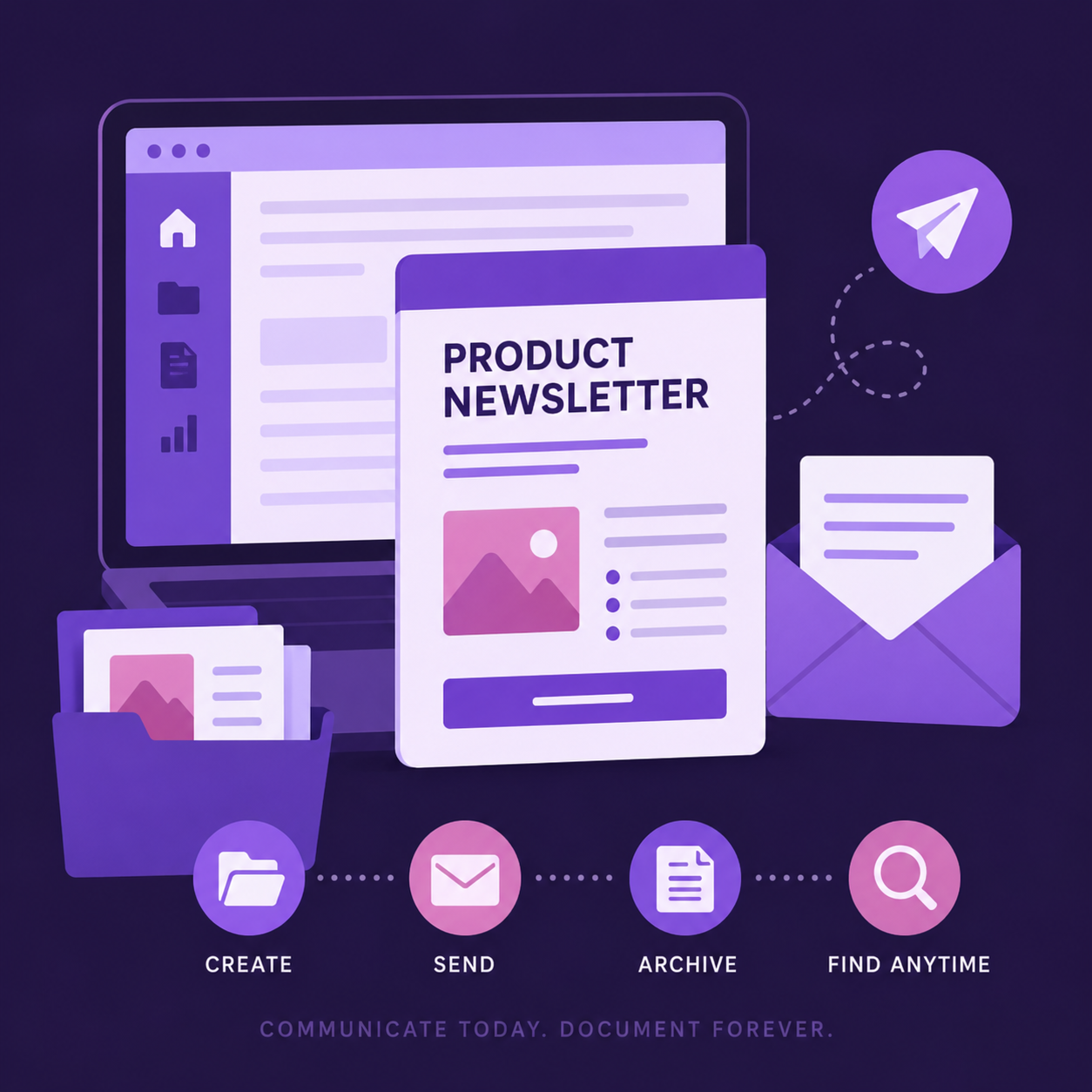
Eventually, I started using SharePoint News posts as both:
- The email itself
- The long-term repository behind the email
That changed the workflow quite a bit.
Instead of building standalone emails that disappeared after delivery, the newsletters became persistent SharePoint pages that could:
- Be distributed directly through SharePoint
- Remain searchable later
- Store supporting assets
- Support onboarding activities
- Create a visible history of product updates over time
The email stopped being the destination.
It became the doorway.
The Workflow
Once the structure was established, the process became fairly simple.
Each month looked roughly the same:
- Duplicate an existing SharePoint newsletter page
- Rename it for the new release cycle
- Update screenshots and content
- Preview formatting
- Send draft reviews
- Publish and distribute
Because the newsletter already existed as a SharePoint page, several problems were solved at the same time.
The updates:
- Looked reasonably branded and structured
- Rendered well enough in Outlook
- Remained accessible after distribution
- Supported embedded documentation and assets
- Created continuity between releases
The continuity became increasingly useful as more newsletters accumulated.
People Rarely Need Information Only Once
One thing I noticed is that internal communications often assume people will fully absorb information the first time they see it.
That rarely matches reality.
Most people read release announcements while multitasking, context switching, or trying to solve a completely different problem.
Even useful information disappears quickly in those conditions.
The SharePoint structure supported a different pattern of behavior.
Someone might skim the newsletter when it arrives, then revisit it weeks later during implementation.
A manager might forward an older Product Spotlight to another team.
Someone onboarding to a product might review previous newsletters to understand how functionality evolved over time.
A support representative might need screenshots from a release that happened months earlier.
The content became reusable instead of disposable.
Why I Preferred This Approach
One thing I appreciated was how little additional infrastructure it required.
Everything already existed inside Microsoft 365:
- SharePoint pages
- Outlook distribution
- Embedded assets
- Linked documentation
- Existing permissions structures
That made adoption relatively easy because there wasn’t a new platform to manage or another system for contributors to learn.
The process fit naturally into tools people were already using.
The Structure Started Reusing Itself
Over time, recurring sections started emerging naturally:
- Product Spotlights
- New Features
- Upcoming Releases
- Bug Fixes
- Training Resources
- Documentation Links
- Demo Videos
- Related Assets
Because pages were duplicated from previous versions, the structure became increasingly reusable without becoming overly rigid.
Eventually, discussions shifted away from formatting decisions.
Instead of asking:
“How should we build this month’s newsletter?”
The conversation became:
“What information belongs in this month’s newsletter?”
Less effort went into recreating the communication structure. More effort went into deciding what information people needed.
The Archive Became More Valuable Than the Newsletter
The archive eventually became one of the most useful parts of the system.
The SharePoint site grew to include:
- A Product Newsletter archive
- A Product Spotlight archive
- Aggregate pages surfacing recent content
- Supporting documentation and related assets
Nothing especially sophisticated.
No complex taxonomy.
No formal knowledge management initiative.
Just enough structure that people could reliably find older information without searching inboxes or asking around in Teams.
There were still limitations.
SharePoint News ordering wasn’t as automated as I would have liked, and Outlook rendering always requires some compromise regardless of platform.
But those issues became less important over time.
As the volume of product communication increased, the distinction between communication and documentation started to blur.
People weren’t just looking for announcements anymore.
They were looking for:
- Release history
- Product context
- Onboarding references
- Implementation details
- Documentation links
- Older screenshots
- Historical rollout information
Information that seemed temporary when it was published often became useful again later.
Storing newsletters as persistent SharePoint content made that information much easier to locate, maintain, and reuse.
What started as an email distribution process gradually became a lightweight internal product knowledge repository built from tools the organization already owned.